


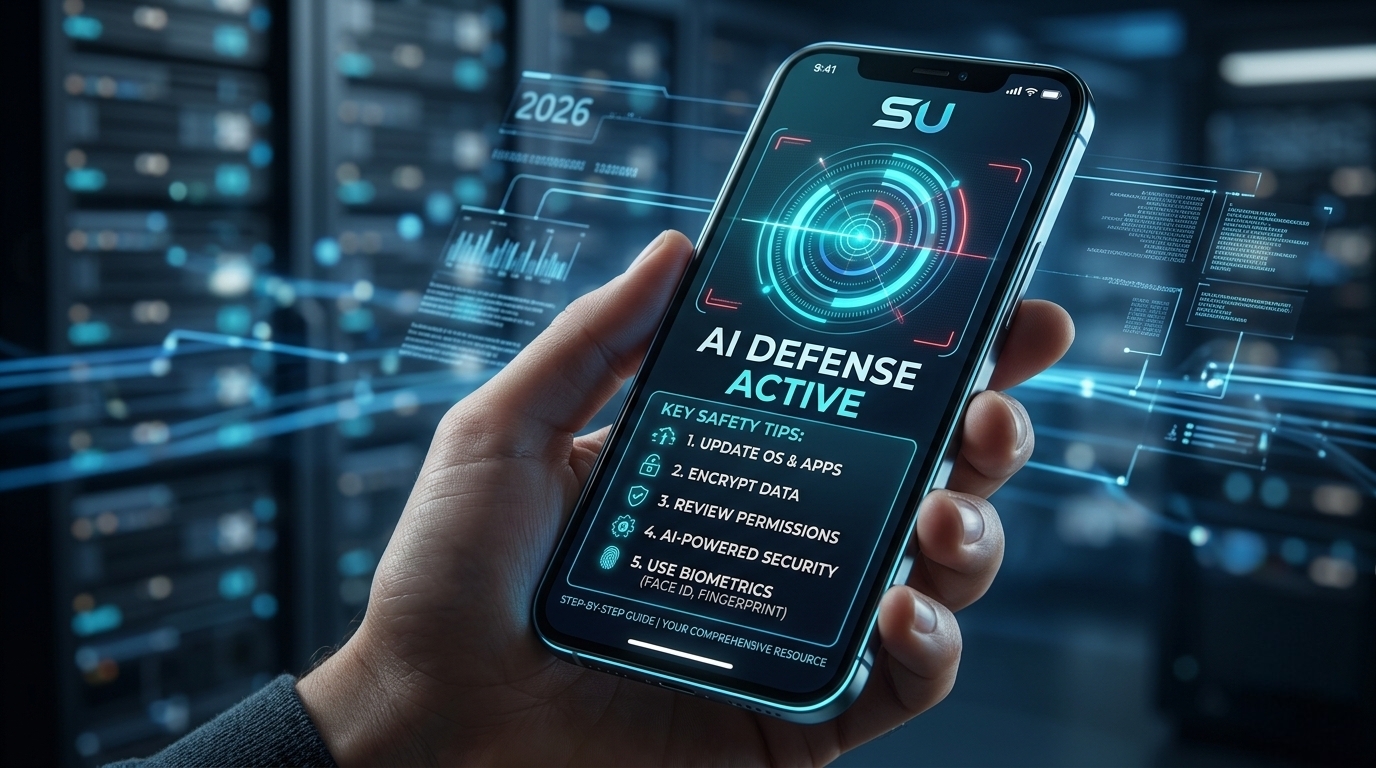

How to Protect Your Mobile Data from AI Malware in 2026?
Coming to the middle of 2026, our lives are now fully dependent on smartphones. From checking the time right after waking up in the morning to office work, banking transactions, and even controlling the lights of the house—we are able to do everything with this tiny device in our hands. But as technology advances, the danger is increasing as well. One of the biggest cyber threats in 2026 is named AI-Based Malware.
Where ordinary viruses or malware worked according to some specific rules, AI malware will break your phone’s security wall by using its own intelligence. In this blog today, I will discuss with you how to keep your smartphone safe from these modern dangers in today’s time.
1. What is this malware and why is it so dangerous?
The viruses we knew before were mostly fixed patterns. But currently in 2026, malware uses Artificial Intelligence and Machine Learning. Through this, they verify your phone’s security patches and attack wherever they find a weakness.
Their specialty is that they are ‘Adaptive’. That is, if you try to stop them through a security app, the malware can change its own code and deceive that app. You cannot even imagine how powerful they have become currently. They can learn your typing pattern to guess your password or clone your voice to deceive someone you know by calling them.
2. These 5 warning signs if your phone is infected
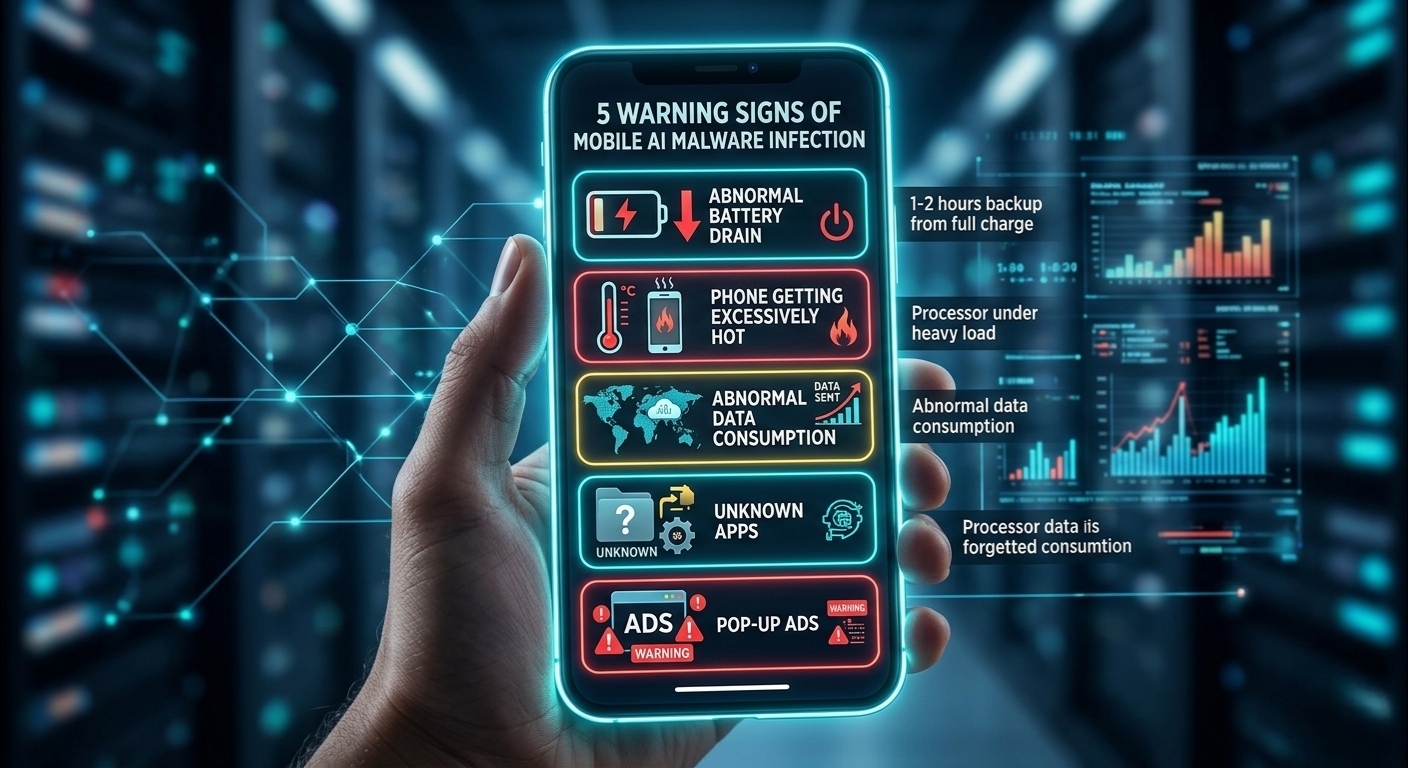
Just as viruses are harmful, there are many ways to understand if they attack. If they attack, do not get nervous beforehand, rather keep yourself relaxed so that your head stays cool. If the reasons given below appear in your phone, then understand that some AI malware has taken possession of your phone.
- Abnormal Battery Drain: This is the easiest way to detect a virus. Suppose your phone gives 6-7 hours of backup. But suddenly you saw the battery down from full charge after just 1-2 hours, then understand that trouble has made a home. The reason for this is that AI processes are processing heavily in the background, resulting in the battery charge finishing quickly.
- Phone Getting Excessively Hot: Suddenly you will see that you are doing nothing but the phone is getting hot. And it is getting so hot that there is no sign of it decreasing, rather it is increasing. Understand from this that some harmful software is being used well by putting pressure on your processor.
- Abnormal Data Consumption: These malwares steal your phone’s information and keep sending it to a specific remote server. This requires internet and data starts finishing very quickly.
- Unknown Apps: Looking at the phone screen, we suddenly see an app that we never downloaded or installed, but it is installed on the phone. Then understand that it is malware. These apps are not very heavy; they take up very little space.
- Pop-up Ads: Advertisements suddenly pop up on the phone screen which, if seen, you should understand that your security has crashed.
3. Effective ways to protect smartphones (Step-by-Step guide)
Let’s discuss now how you will keep your personal information protected. Coming to 2026, we have to change our old habits.
3.1. Use of Biometric Security
Coming to 2026, it will not work just by giving an ordinary PIN or Pattern lock. Using AI algorithms, it is now possible to break the lock easily using fingerprints on the phone screen.
- Solution: Always use Face ID or Ultrasonic Fingerprint. Along with that, use Hardware Security Keys (e.g., Google Authentication, Yubikey) as Two-Factor Authentication (2FA) for banking apps.
3.2. How much access are you giving to which app?
Most of the time, we give ‘Allow’ to all permissions while installing an app. This is a fatal mistake. We will give only as much access as needed for the work.
- Warning: Especially do not give ‘Accessibility’ and ‘Screen Overlay’ permissions to any ordinary app. AI malware can record videos of your screen using these permissions and can see your urgent passwords. Also, they will not hesitate to blackmail you later through another hacker by stealing various personal information. We all should check once every week by going to the ‘Privacy Manager’ option from the phone’s settings to see if any app is using the camera or microphone.
3.3. Use AI-powered Antivirus
Isn’t there a saying that iron cuts iron? Similarly, to stop AI malware, an AI security app is needed. Coming to 2026, ordinary scanners no longer work.
- Advice: Use such a security app that can do ‘Behavioral Analysis’. That is, the app will observe the behavior of every app on your phone and will alert you if it sees anything here and there.
3.4. Public Wi-Fi and Bluetooth risks
I see most people using free Wi-Fi at airports or cafeterias. To them, I would say do not use public place Wi-Fi. When outside, use phone data or finish work by taking a hotspot from your friends. Because hackers can now intercept data between you and the router through AI tools.
- What to do: Try to use your own data or finish work with a hotspot if someone known is with you. If you must use free Wi-Fi as an emergency, then connect a good quality VPN. Turn off your Bluetooth as much as you can after work because currently malware is being spread quite well through ‘Bluejacking‘.
4. Keeping Apps and Operating System updated
Many of us avoid phone updates when they arrive. Remember one thing, every system update in 2026 makes your phone’s security wall even stronger. AI malware always looks for weaknesses in your old versions. So always keep the latest version updated for the phone and all the apps you use.
5. Cloud Backup and Data Encryption
Keep ‘End-to-End Encryption’ turned on while backing up all your important information to the cloud. By doing this, even if somehow your cloud gets hacked, hackers still won’t be able to read your information. Besides, keeping internal files or storage encrypted will keep your data always safe even if the phone is lost.
6. My Personal Opinion
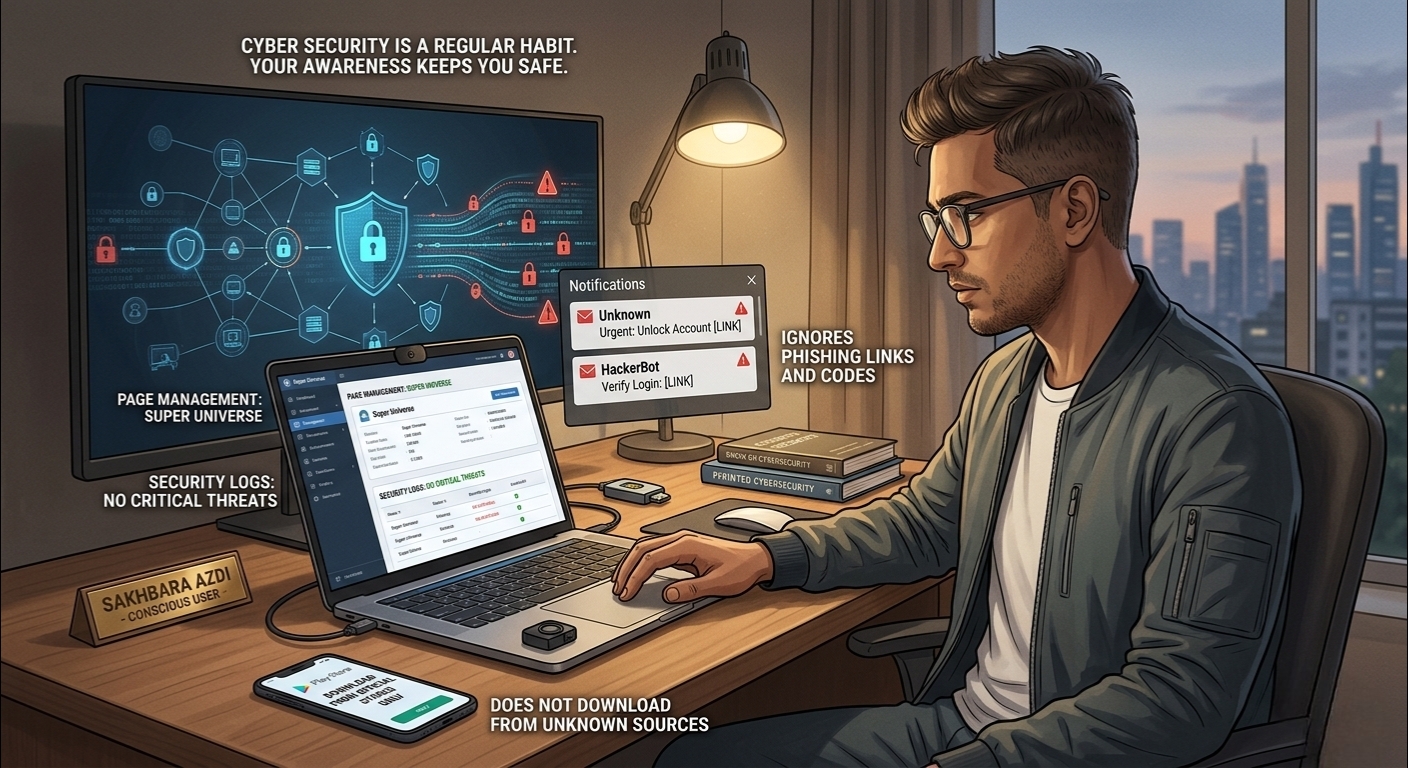
I also often fall victim to malware attacks. For example, a few days ago malware entered my website and tried to corrupt files and leak many things. But because of many security measures which I shared with you, no big problem happened. Even after giving so much security, there is tension, like for my page Super Universe, sometimes hackers send codes or phishing links to my mail. But I also remain conscious in that way.
I believe technology has made our life much easier, but our slight carelessness will bring big danger. To keep yourself safe in this AI era of 2026, there is no alternative to caution. Always download apps from official stores like App Store or Play Store. Do not download apps from anywhere else. Do not click on any phishing link or suspicious link.
Remember, cyber security is by no means a one-day job, you have to make it your regular habit. Your awareness will keep your phone safe along with you.
Click here to read the article I wrote about what AI will be like in the future.